New this week
Welcome to my now weekly devlog. Wednesday is probably the day I’ll aim for here on out.
I’ve discovered how to record gifs and I’m dedicated to bring you quick paint mockups to visualise some of the concepts I’m talking about. Hopefully that should make these more visually interesting.
This week I continued my exploration into state machines, made a short detour into ragdolls and started greyboxing tiles.
State Machines
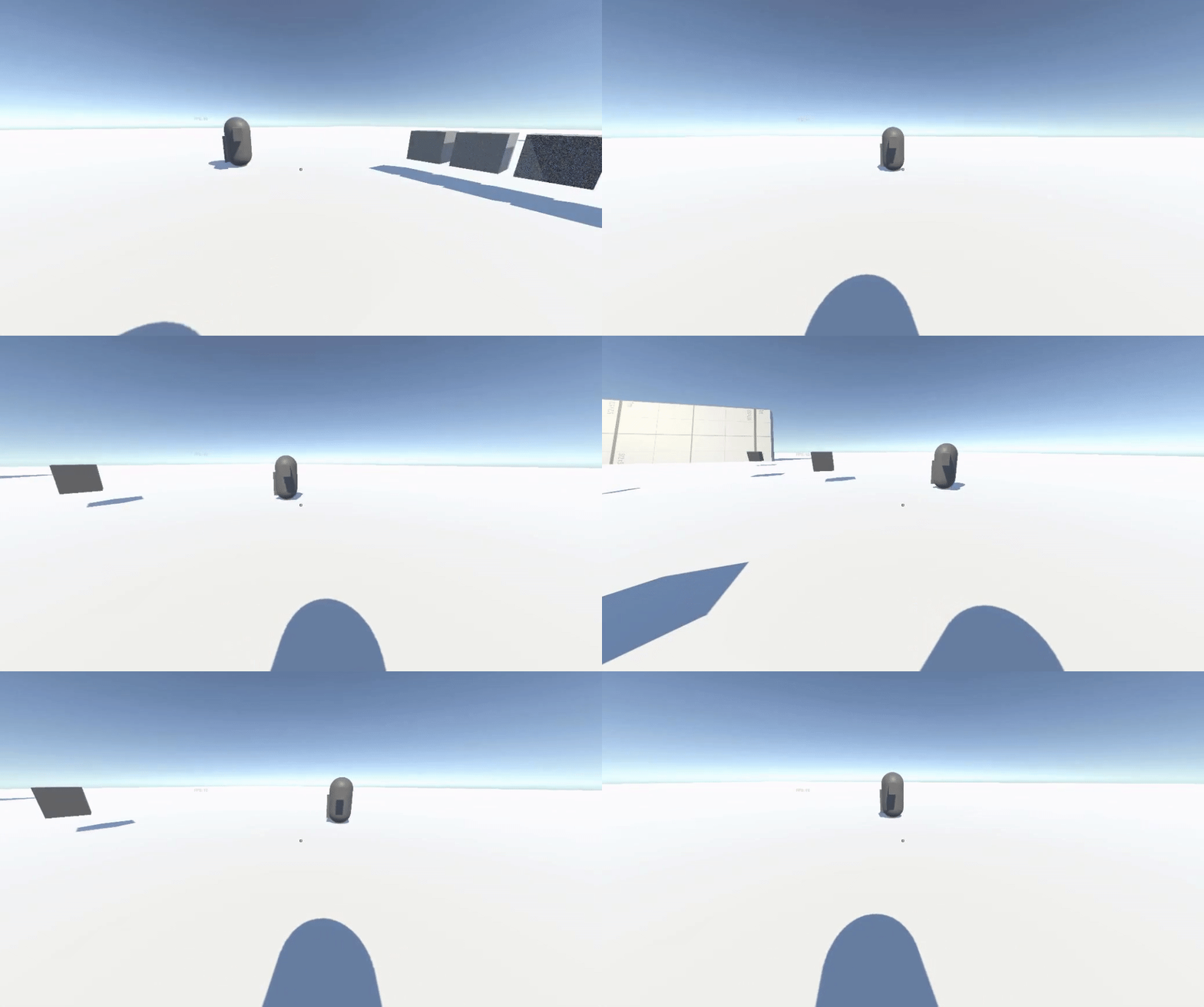
Somewhere in the large initial devlog I spoke about how I’m definitely going to have problems with enemy AI strafing. Fortunately, getting a rough version up wasn’t very difficult. If a forced turn exceeds that of the natural acceleration of the navmesh it’s fairly straightforward to force an AI to face a target while moving. Because of this I’ve added 2 important states to my testing AI. Before when an AI was primed to attack it would stand there and look at you while deciding which attack to use. Now whilst primed to attack the AI will circle the player, changing direction after a random amount of time. One of the decisions it can make in this state is to get scared and flee. While in the scared state they retreat to a further distance before circling from afar.
This is achieved with new functions in my utility namespace called the Useful Box. OrbitCoords takes in torus coordinates (which are in the form (x,y,r) with X and Y being a normalised vector circle and r being a magnitude) and an angle. This function returns the position x degrees in a circle from the input. The next function, OrbitOptimalDeg takes the distance and speed of an agent and determines the optimal change in degrees per second. This ensures that there is no mismatch between where the agent should be and where the agent is.
Ragdolls
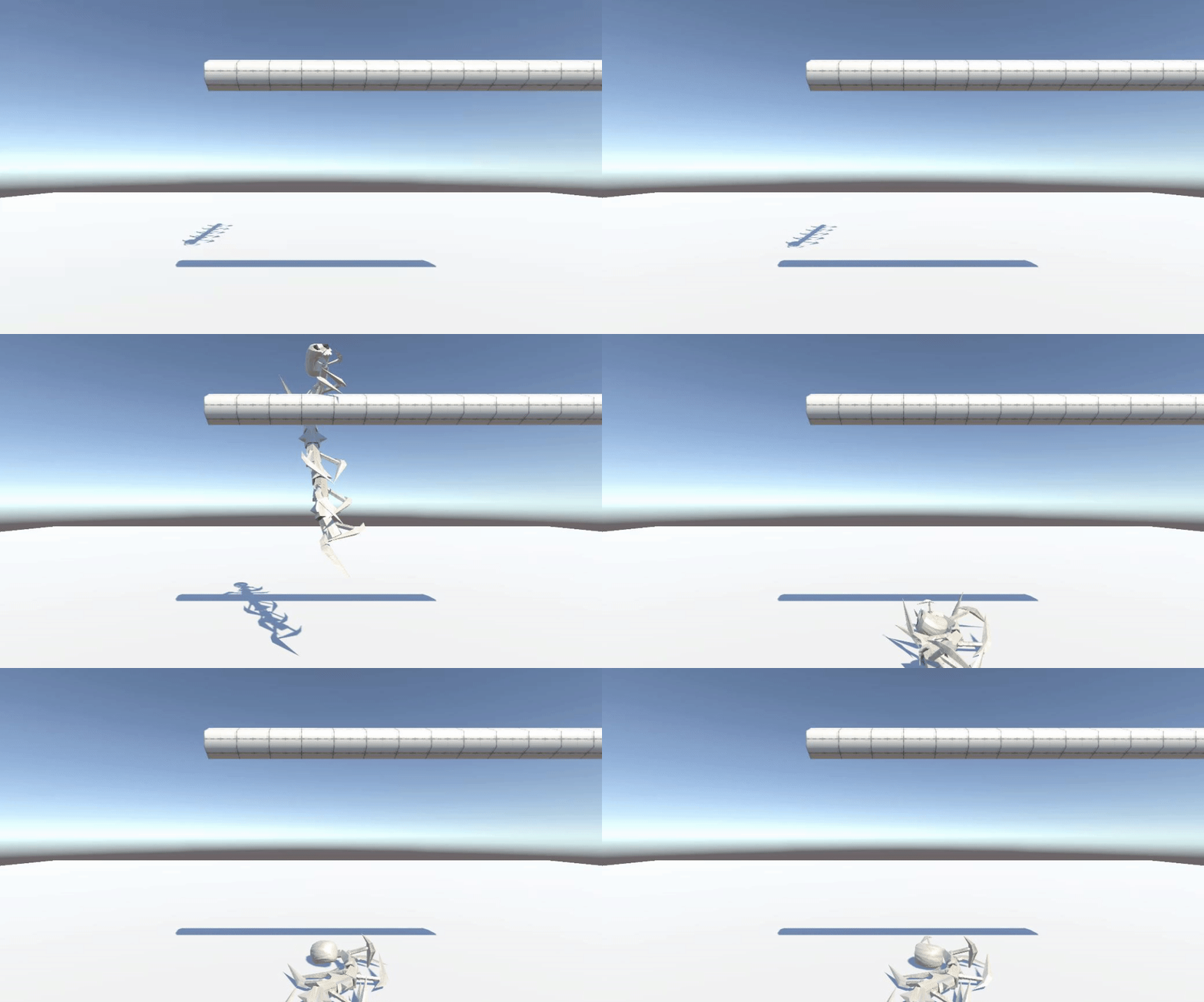
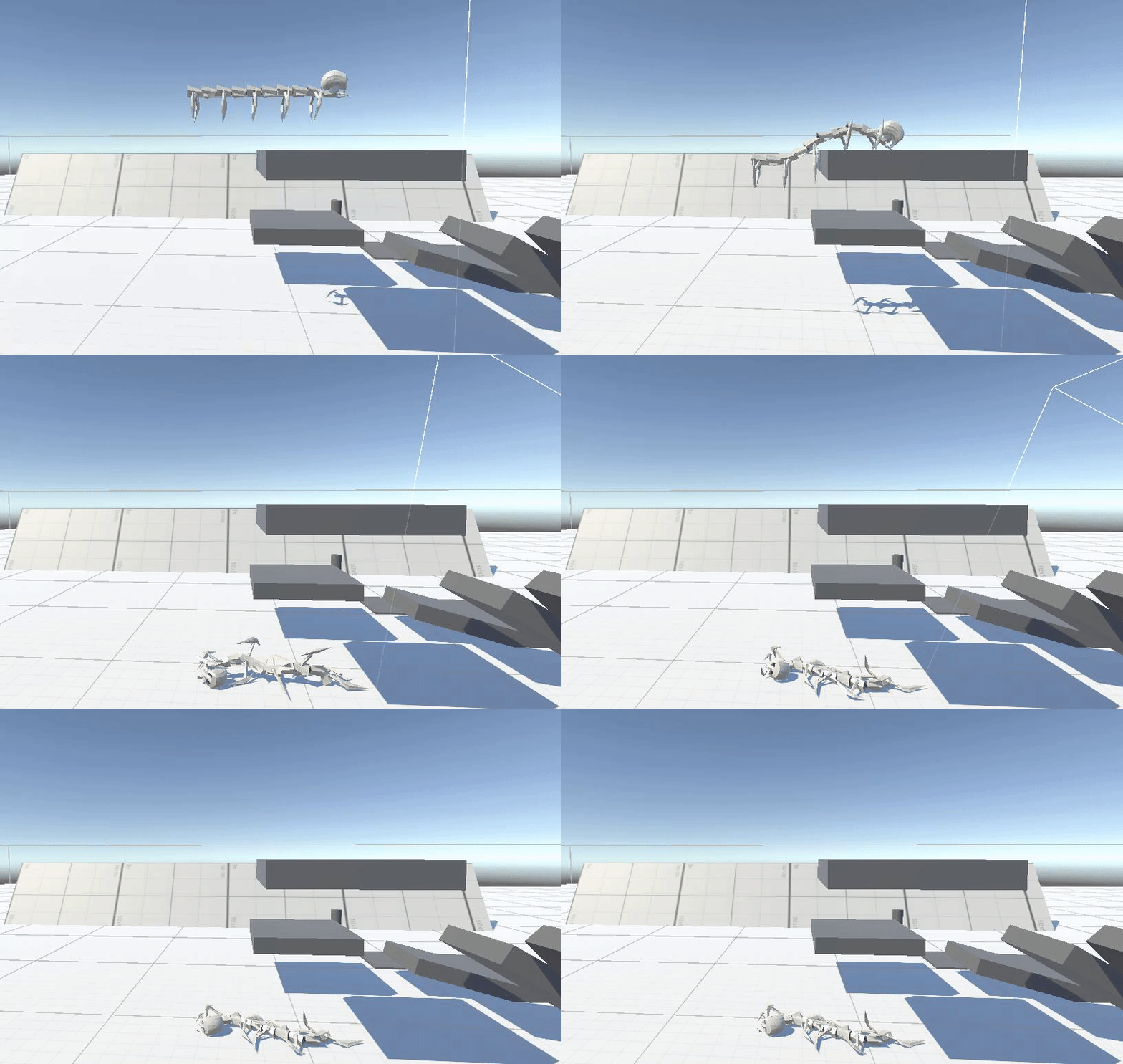
After this I made a short detour into the realm of ragdolls. I had never worked with them before, but I assumed they’d be pretty easy.
Sure, technically they were easy, but they are tedious. I wasn’t doing myself any favours because the first and only rigged model I have is something resembling a centipede. The act of rigging a ragdoll in unity consists of adding a rigid body, collider and character joint referencing its parent bone, to every bone with a joint. Fortunately, the rigid body is automatically assigned when adding a character joint, so that reduces the clicks per joint by 1. But when there are 10 spine segments and 5 pairs of legs with 2 joints each it gets boring very quickly.
It’s dubious whether or not ragdolls will be used in the game but its good to know how to do them nonetheless. Their inclusion would be dubious because, as most the enemies designs are skeletal in nature, it would be more appropriate for them to crumble into groups of bones upon death. However, if this isn’t satisfying enough some ragdolls would be able to do the trick.
Level Design
Detour – Player Controller
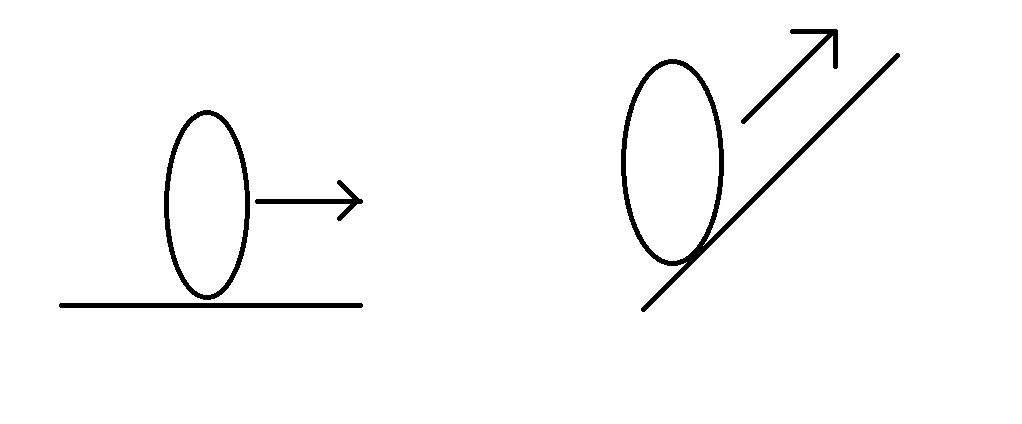
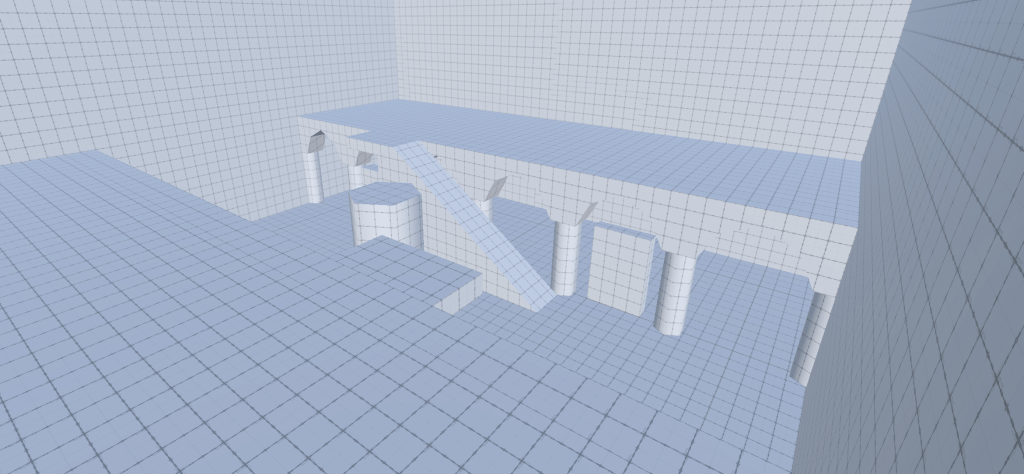
Before going into level design, it is important to first mention the player controller. While creating and testing it I used a lot of slopes at various angles to see how it performed. When I created it the maximum slope it could climb seemed good. However, when I started grey boxing an initial tile I discovered, very quickly, there is no reasonable staircase that fits under the maximum angle.
So, I had to go back and make changes to the player controller. I had previously heard you can use the normal of the surface below to adjust how you move. I already had a raycast to determine whether the player is on the ground. So, I took that ray as an output to grab the normal to adjust the movement. Now when the player is on a slope the player’s movement vector pitches upward to follow the ground. An issue I had was the projection didn’t return a vector with the correct magnitude. This still led to lower top speeds on slopes. To resolve this, I applied the normal projection separately to a sole Vector3.Forward/Right and re-normalised that. This solved the problem and the maximum slope is still reasonable, so I don’t have to do any maths on max angle.
Main topic
There are a few core design tenants for the design of tiles. Some more relevant during greyboxing and some less. The number 1 most important design tenant in this project is you should never, under any circumstances be allowed to see the through other doors whilst standing in a doorway.
This is because there is already a weapon that teleports the player to wherever they’re looking, and I do not intend on the player to skip rooms. This would still be possible without physically blocking the room however this would lead to the player feeling cheated out of their genius idea and lead to a negative player experience.
Another core design tenant is to include a lot of verticality. I’m currently deciding whether or not all the high ground should be accessible without mobility but at this moment I’m weighing towards. Most high ground accessible, some niche high ground inaccessible.
However, all high ground will be accessible by the enemy navmesh.
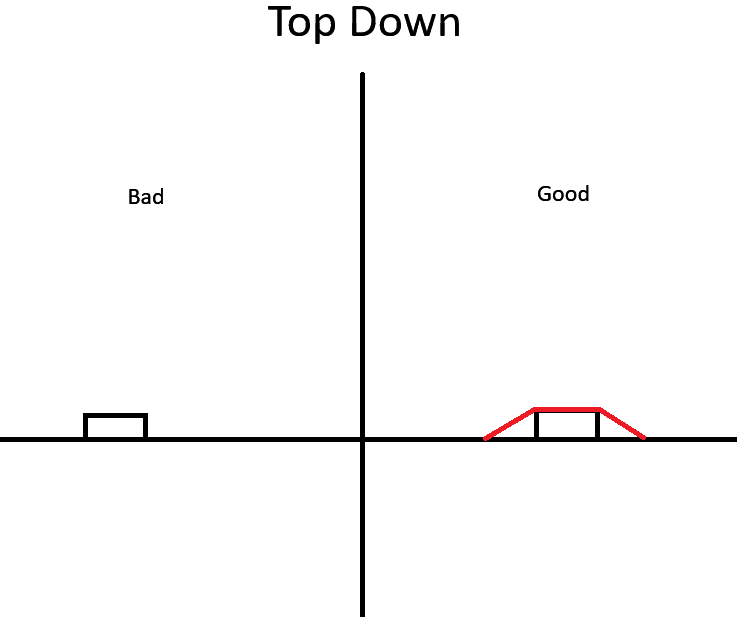
Now the final design tenant is most relevant during the decoration phase but I’ll still mention it here. No sharp corners or lips. A major problem I have with movement based shooters in the modern age is everything has perfect clipping. This means you get stuck on a tiny pillar sticking 2 cm out of wall. This is a terrible user experience and to mitigate it the decorative obstructions can have their collision disabled. Or, in the case where they are too large to be disabled, have triangular slopes around them. This reduces and can entirely prevent the feeling of “I only died because I got stuck on this stupid windowsill”.
This design practice is quite thankless though. When employed to its perfect state nobody should know or comment about it. In fact, the opposite could be true. I have heard people say that the devs “forgot” to give certain props clipping or are lazy for making a wall a single flat surface. However, I remain steadfast that good environment clipping makes or breaks a games movement and flow.
 James Mitchell
Leave a comment