New this week
This week was more UI. I added the extended functionality for non-player orientated scene transitions and added an on-screen notification/message system. This gives me flexibility to test items and systems faster.
Main Menu
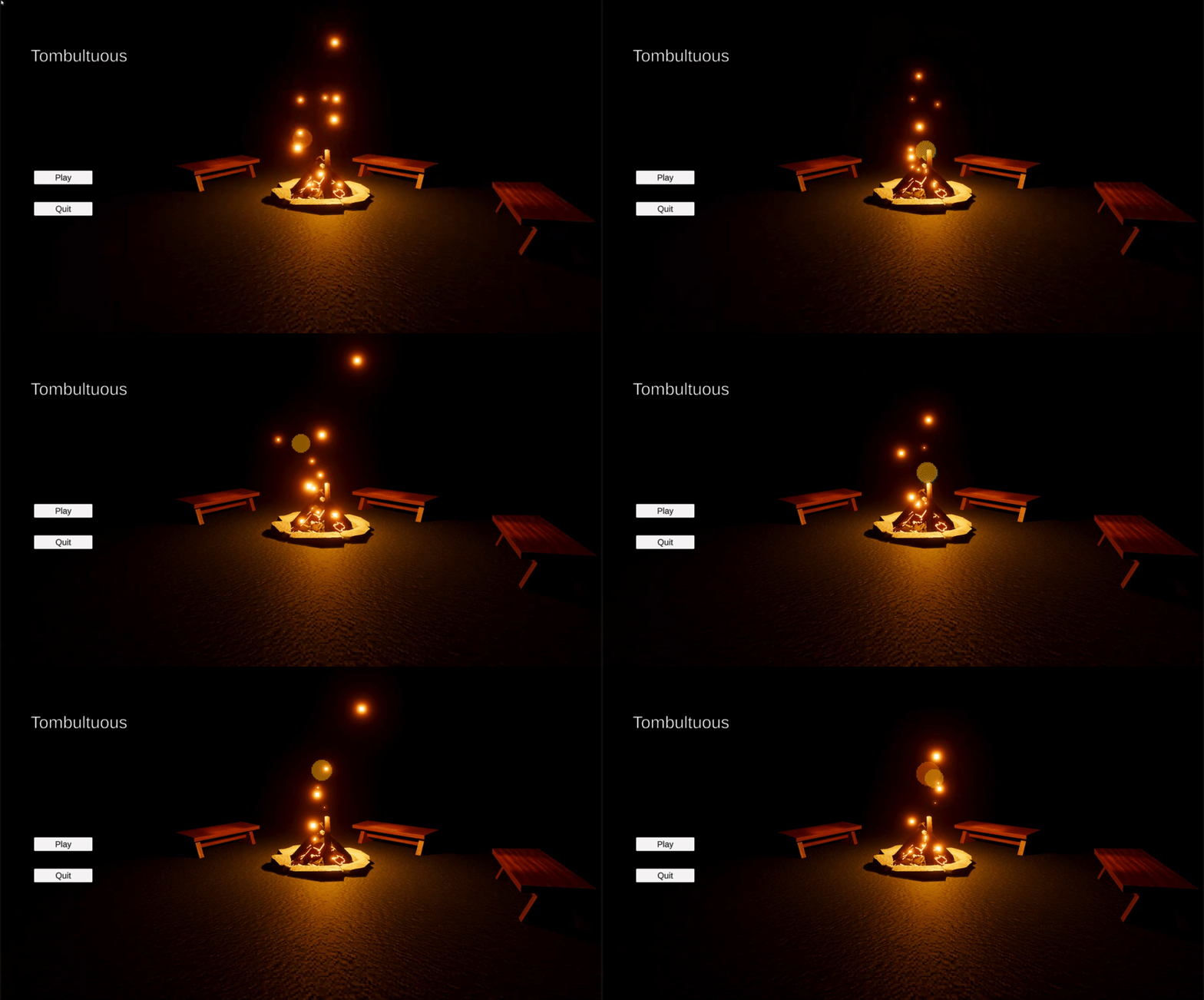
I’ve added the most barebones main menu. It contains a simple 3d scene featuring a campfire with some benches around and a play and quit button. The play button transitions the player to the hub and the quit button closes the application.
Notification system
To facilitate items or interactions that trigger during unclear times I’ve implemented a message system. The goal is, eventually, to have a UI element for some of the things that would appear in the notification. However, that is not feasible for testing or fast iteration. The message system is an animated UI element that displays messages that can be sent to it from anywhere. The messages queue up and display in chronological order. The animation is fairly fast and snappy and because of it the gif doesn’t really show it properly.

What’s next?
Functionality for the first real melee weapon. I’ll create the functionality for the first melee weapon and the main weapon of the starting character.
 James Mitchell
Leave a comment