New this week
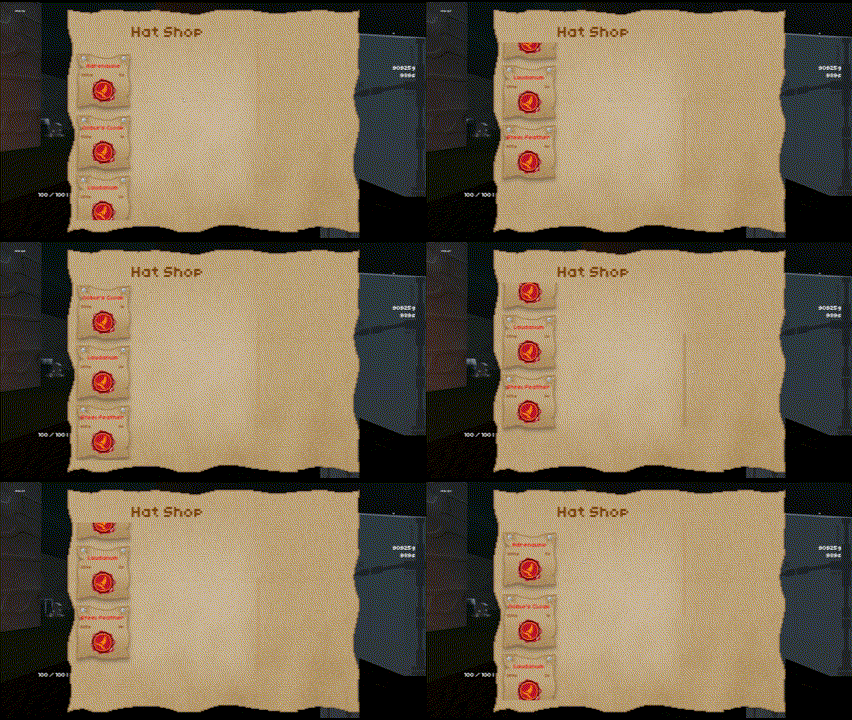
This week I finished the first draft for tile TS1_1x2_1 and moved on to some other stuff. I converted my procedural level generation to be asynchronous and fixed some rare but impactful bugs along the way. Along with this I added functionality for a scrolling menu in my item shop. As it currently stands there’s not enough items to use the scroll, but I’ve just listed them vertically to show the point.
Tile Art
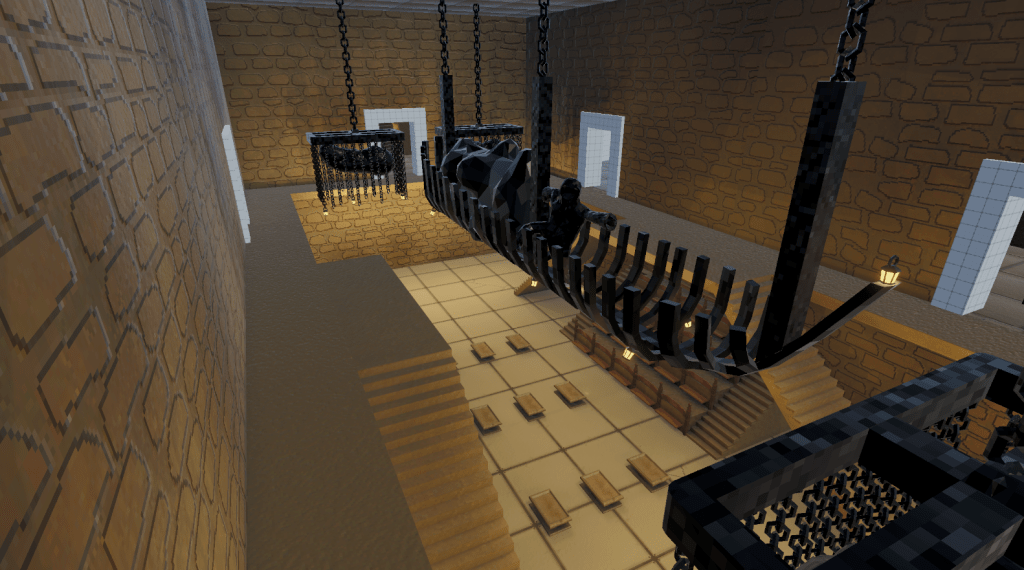
I whipped up some quick decorations to finish the important sections of TS1_1x2_1. The 4 chandeliers are concerningly high poly count and will definitely be cut down and remade if performance problems arise.
Proc Gen
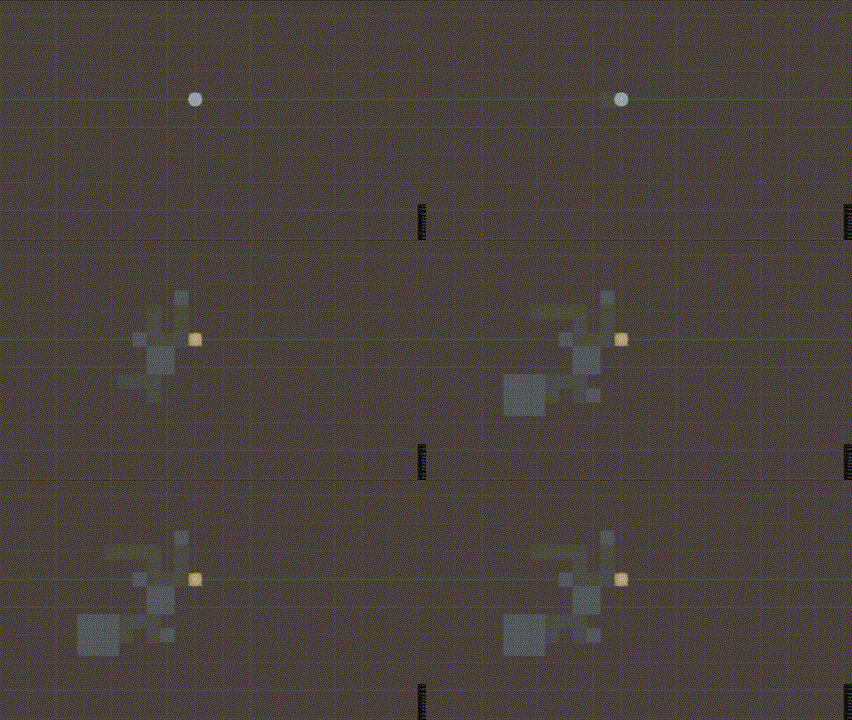
I’ve converted 2 major sections of my level generation into being async. That being the room positioning system and the room spawning system. This has increased generation time rather significantly and, with testing, I will probably undo the prefab spawning section. To make this decision, however, I will need to test 2 versions of the build on low spec hardware.
Along with this I solved an issue where the starting room’s doors would sometimes not open when level generation fails and restarts. This is a rather easy fix as I just moved when the start room’s doors opened to happen at the same time as the other doors opening.
The async system also allows for an animated loading screen. However, there is a lag spike every room spawned. I believe this is unavoidable but may also be an editor exclusive thing, that remains to be seen.
As a side effect now, it is possible to watch the rooms be generated which is pretty neat. Unfortunately, the ceiling of rooms look the same so its hard to tell them apart.
UI Changes
A small change I made to the UI was adding a scroll to the item shop. I had assumed that this would be difficult however it was fairly straightforward. The only issue I ran into was upon opening the shop for the first time, it would immediately scroll to the bottom. Apparently, this issue was caused by the scale changing upon activating the canvas for the first time. This is because while the canvas is disabled initially the scale is set to 0 and upon activation scale is set to 1. It seemed really clunky as I couldn’t control what the transforms of the disabled canvas scale was. The solution to this is rather unusual. Alongside the canvas initially being disabled the Scroll Rect object also needs to be disabled and only enabled after the canvas is enabled. I assume this stops the scroll from trying to adjust to the scale change but is a strange fix none-the-less.
What’s next?
I had an unusual 2–3 day long internet outage this past week which gave me a non-negotiable break. The short break I took from doing or thinking about art has given me the energy to resume making more models. I plan on doing the model for the 2×2 room before I do the treasure room because I know I re-used some major geometry from that.
 James Mitchell
Leave a comment